

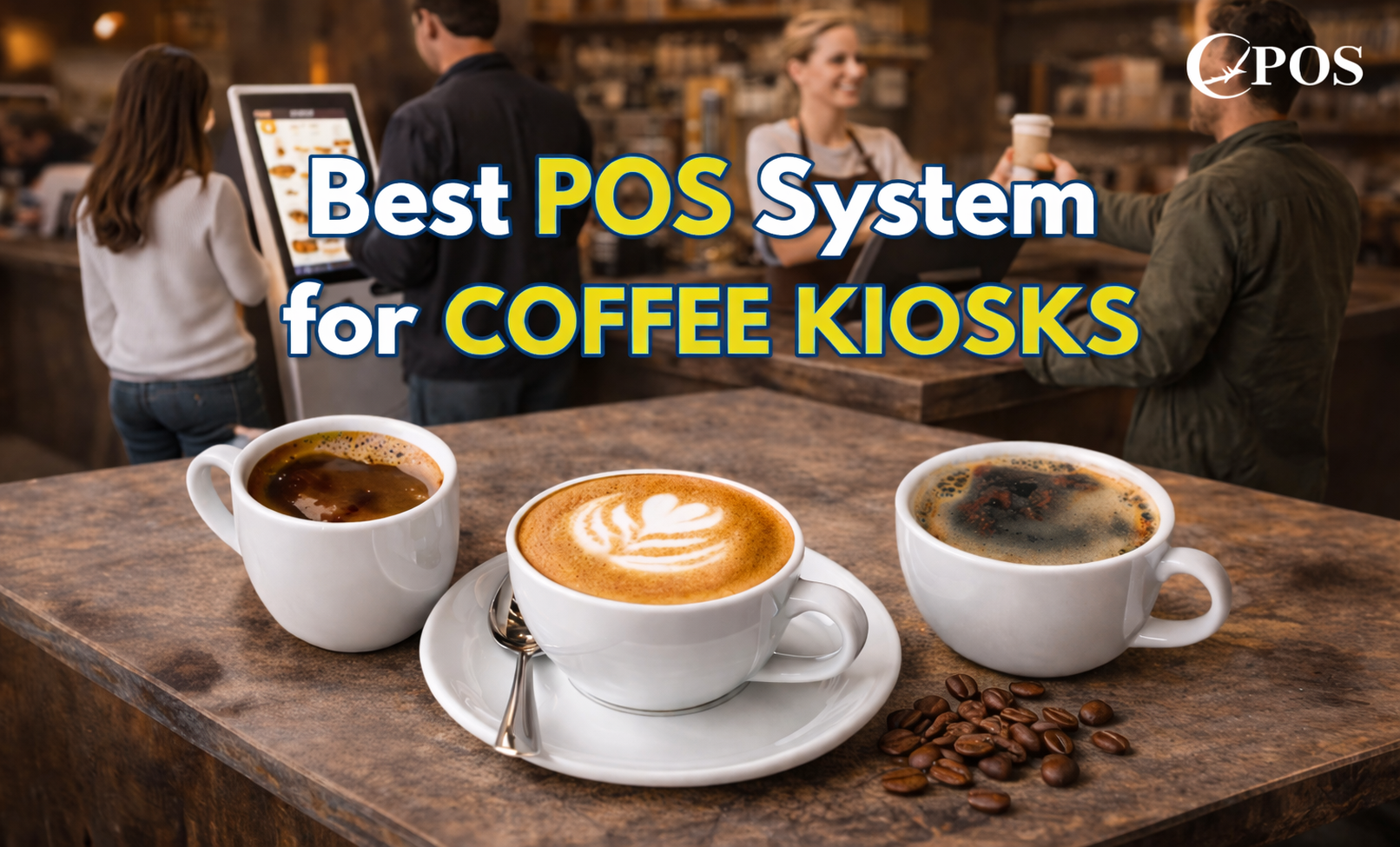
Coffee kiosks are built for speed, efficiency, and high customer turnover. Unlike full cafés, they operate in tight spaces with limited staff and heavy rush periods—especially in the morning.
Because of this, choosing the best POS hardware for coffee kiosks is essential. The right POS system and hardware setup help you serve faster, reduce errors, and keep operations smooth even during peak hours.
This guide acts as a practical resource center and beginner’s guide to help you understand what hardware you need and how to build an efficient setup.
What Makes Coffee Kiosks Unique?
Coffee kiosks are a type of quick service business where speed and simplicity are critical. Unlike a full service restaurant, customers typically pay at the cashier counter, grab their drinks, and go.
These setups often operate in malls, transport hubs, or pop-up locations, which means your POS system hardware must be compact, reliable, and easy to use.
Key Challenges Coffee Kiosks Face
Running a kiosk comes with unique operational challenges:
- Limited space – Requires compact modern POS hardware
- Peak-hour pressure – Fast transactions are critical
- Minimal training – Staff need intuitive systems
- Connectivity issues – Some rely on mobile or shared internet
- Harsh environment – Heat, steam, and spills
- Multiple order channels – Walk-in and delivery orders
A well-designed point of sale system should address all these challenges.
Essential POS Hardware for Coffee Kiosks
To build an efficient setup, these are the must-have components:
POS Terminal or Touchscreen Register
A compact POS terminal machine is the core of your system. Many kiosks use tablet-based or cloud based POS systems for flexibility and space-saving.
Receipt Printer
Thermal printers are ideal for fast-paced environments. They support quick transactions and better POS data management.
Payment Terminal
A reliable payment terminal or card terminal machine should support chip, tap, and mobile wallets. Fast processing improves customer flow.
Cash Drawer (Optional)
Needed if customers pay at the counter using cash. Choose secure and durable hardware.
Customer-Facing Display
Improves transparency by showing orders and totals, reducing mistakes.
Mobile POS Device
A portable point of sale terminal helps with line busting and outdoor operations.
Kitchen Display System (KDS) or Printer
A kitchen display system or printer ensures orders are sent directly to the barista for faster preparation.
Optional Hardware to Improve Efficiency
These tools are not required but can enhance your POS hardware solutions:
- Self-Service Kiosk – Reduces queues and speeds up ordering
- Label Printer – Helps manage drink customization and retail items
- Outdoor POS Hardware – Weather-resistant devices for outdoor kiosks
- Mounts & Cable Management – Keeps your workspace organized
- Backup Power (UPS) – Prevents downtime during outages
Key Features to Look For
When choosing the best POS hardware, businesses can rely on, prioritize:
- Durability – Built for coffee shop conditions
- Compact Size – Fits tight spaces
- Speed & Performance – Handles peak hours efficiently
- Reliable Connectivity – Supports cloud-based and offline modes
- Compatibility – Works with your cloud based POS software
- Ease of Cleaning – Important for food and beverage setups
- Scalability – Supports business growth
- Cost Efficiency – Consider long-term POS maintenance and support
Trade-Offs to Consider
Every kiosk setup requires balancing:
- Space vs Features
- Cost vs Quality
- Simplicity vs Complexity
- Online vs Offline POS system
- Security & Payment Compliance
Choosing the right POS business solutions ensures long-term reliability.
Layout Tips for Better Workflow
Your hardware layout directly affects efficiency:
- Follow the flow: Order → Pay → Prepare → Pickup
- Keep the POS terminal and payment terminal within easy reach
- Ensure customers can clearly view their orders
- Minimize staff movement
A well-planned layout improves both speed and customer experience.
Budgeting Your POS Hardware
Start with essentials, then scale your POS system hardware:
Start with:
- POS terminal
- Payment terminal
- Receipt printer
Add later:
- Customer display
- Mobile POS
- Kitchen display system
This phased approach helps manage costs while allowing future upgrades.
Example Coffee Kiosk Setups
- Small Mall Kiosk (1–2 Staff)
Uses a compact POS terminal, card machine, and printer. Focus is speed and simplicity. - Outdoor or Pop-Up Kiosk
Uses a tablet-based cloud based POS system, portable card machine, and backup power. - Retail-Plus Coffee Kiosk
Includes a kitchen display system, label printer, and customer display for added flexibility.
Conclusion
Choosing the best POS hardware for coffee kiosks is essential for running a fast, efficient, and reliable operation. In a high-pressure environment where customers expect quick service and minimal waiting time, having the right combination of POS system hardware, payment terminals, and supporting devices can make a significant difference in your daily performance. A well-planned setup not only improves speed and accuracy but also enhances the overall customer experience.
It’s important to select hardware that fits your kiosk’s space, workflow, and business goals while ensuring compatibility with a modern cloud based POS system. Starting with essential components and scaling over time is a practical approach that allows your business to grow without unnecessary upfront costs.
Book a free demo at Condor POS Solutions today and see how a complete POS hardware solution can transform your coffee kiosk operations. Discover how the right POS system can streamline your workflow, improve speed, and help you serve more customers with ease.
