

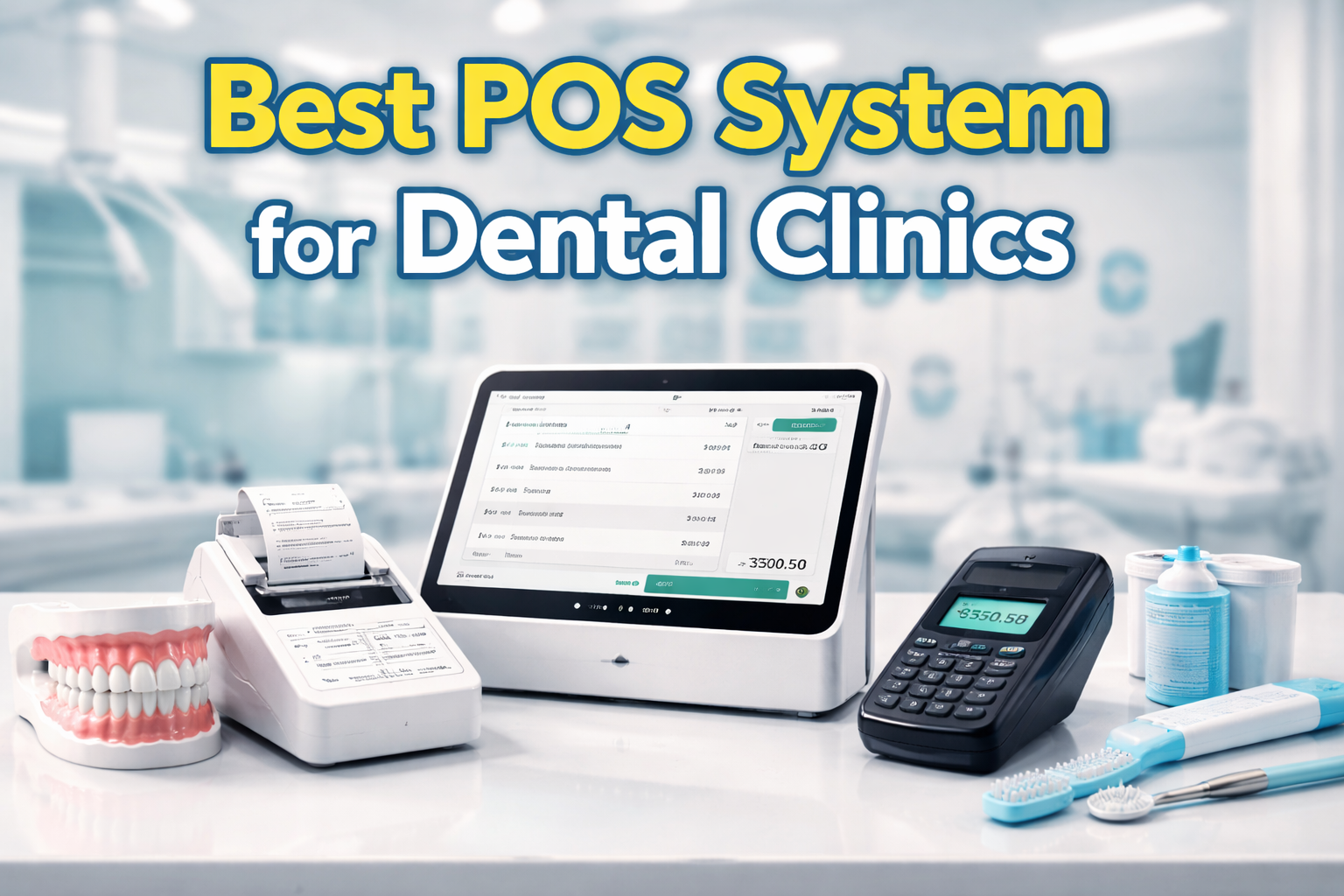
A POS system for dental clinics is more than just a payment solution. It serves as a central platform for managing appointments, billing, patient records, and financial reporting. Unlike retail businesses, dental clinics require systems that support clinical workflows, insurance processing, and data security.
Choosing the best POS system for dental clinics in the Philippines is essential for improving operational efficiency, enhancing patient experience, and ensuring compliance with regulatory requirements.
This guide will help you understand:
- The essential features of a dental POS hardware and software system
- Key benefits for clinic operations
- Cost and value considerations
- How to choose the right system for your practice
To ensure proper system setup and onboarding, many clinics rely on structured step-by-step guides that help staff adapt quickly to new workflows. Access to a complete resource center, knowledge base, and learning hub also plays a critical role in long-term system success.
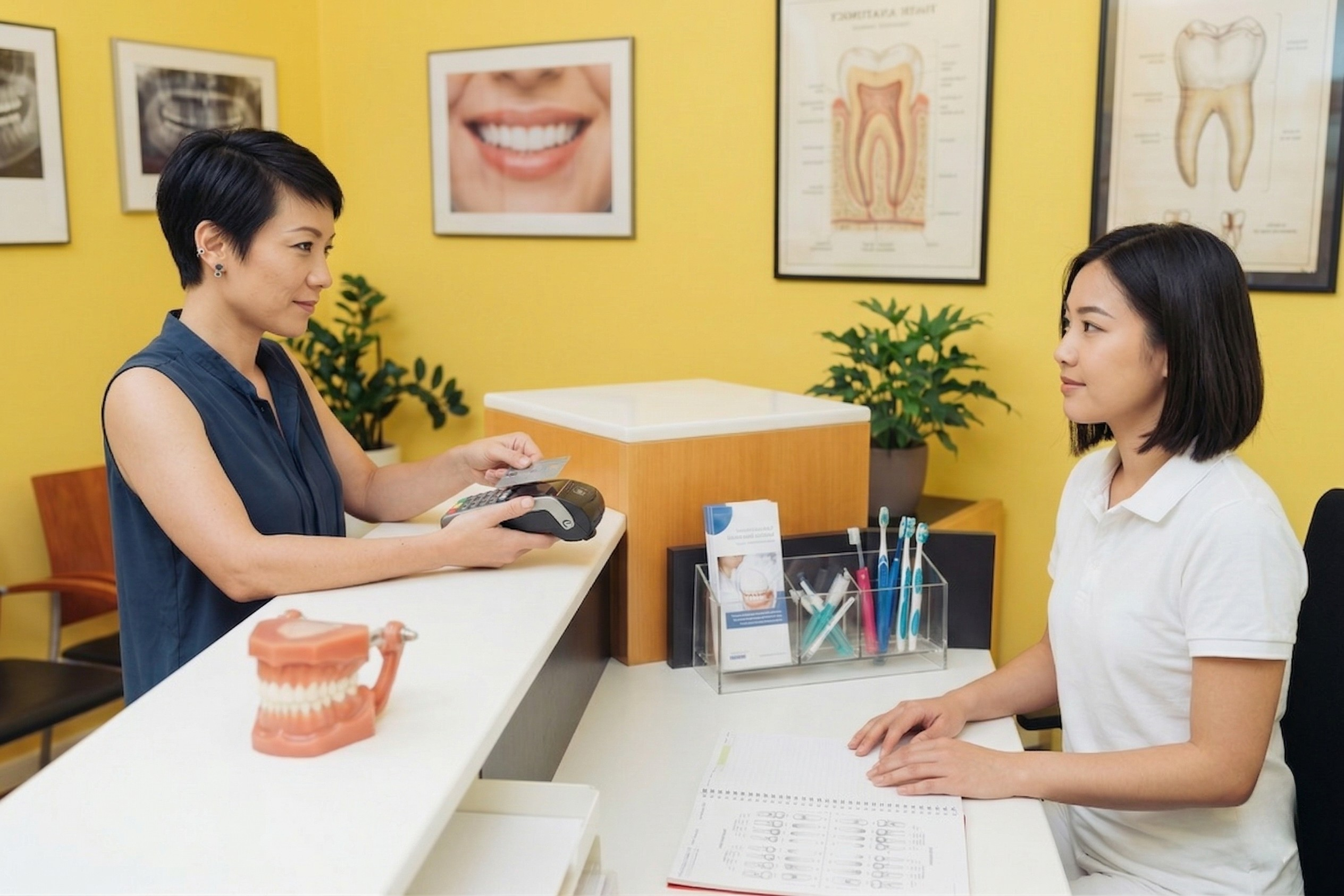
Unique Needs and Challenges of Dental Clinics
Dental clinics have specialized operational requirements that go beyond standard POS capabilities. A reliable POS system for dental clinics should support:
- A wide range of services such as cleanings, extractions, orthodontics, and cosmetic procedures
- Insurance processing, co-payments, and billing complexities
- Detailed patient records, treatment plans, and history tracking
- Complex scheduling across multiple practitioners and treatment rooms
- Inventory management for medical supplies and consumables
- Compliance with healthcare data privacy and financial regulations
Because of these requirements, generic POS systems often fall short in clinical environments, making it important to choose a solution that meets industry compliance standards and POS accreditation requirements.
Essential Features of a POS System for Dental Clinics
Appointment Scheduling and Management
- Schedule, reschedule, and cancel appointments easily
- Send automated reminders via SMS or email
- Reduce missed appointments and improve time management
Treatment Planning and Patient Records
- Maintain complete patient histories and treatment details
- Generate treatment plans and cost estimates
- Access records during consultations and billing
Billing, Insurance, and Financial Processing
- Handle co-payments and insurance claims efficiently
- Support partial payments and installment options
- Accept multiple payment methods including cash, card, and digital wallets
Inventory and Supply Management
- Track consumables, tools, and medications
- Monitor stock levels and automate reordering
- Prevent shortages during procedures
POS Terminal and Payment Processing
- Fast and secure transaction processing
- Support for contactless and QR payments
- Accurate transaction recording and reconciliation
Reports and Analytics
- Revenue tracking by dentist or procedure
- Patient trends and appointment performance
- Inventory usage and cost analysis
Security, Compliance, and Data Privacy
- Secure storage of patient and financial data
- Audit trails for transactions and updates
- Compliance with healthcare and financial regulations and BIR-accredited POS system requirements
Benefits of a Good Dental POS System
A well-implemented POS system for dental clinics in the Philippines offers:
- Improved operational efficiency and reduced manual workload
- Faster and more accurate billing processes
- Better patient experience through transparency and convenience
- Reduced administrative errors
- Strong reporting for informed decision-making
- Scalability for multi-branch clinic expansion
Comparison Table: POS Systems for Dental Clinics
| Feature | Basic POS System | Advanced Dental POS System |
|---|---|---|
| Appointment Scheduling | Limited | Full scheduling with automation |
| Patient Records | Not included | Fully integrated |
| Insurance Handling | Manual | Automated workflows |
| Inventory Tracking | Basic | Medical supply tracking |
| Reporting | Sales only | Detailed analytics |
| Compliance | Limited | High compliance support |
What to Consider Before Choosing a POS System
Clinic Size and Scale
- Number of dentists and treatment rooms
- Single location or multiple branches
Integration Capabilities
- Patient record systems
- Insurance platforms
- Accounting software
Cloud vs On-Premise Systems
- Cloud systems allow remote access and automatic updates
- On-premise systems offer more control over data
Cost Structure
- Initial hardware and setup costs
- Monthly subscription fees
- Payment processing charges
Hardware Requirements
- POS terminals and computers
- Receipt printers
- Tablets or mobile devices
Support and Training
- Availability of structured POS training, video tutorials, and how-to guides
- Access to a centralized knowledge base and support resources
- Reliable technical support for long-term operations
Common Mistakes to Avoid
- Choosing a POS system without insurance functionality
- Ignoring patient record integration
- Prioritizing low cost over usability
- Skipping proper staff training and onboarding resources
- Overlooking hidden fees and long-term costs
- Neglecting patient experience during checkout
How to Implement a POS System Successfully
- Map out your clinic workflow from scheduling to billing
- Involve staff in testing and selection
- Start with a pilot implementation
- Provide proper training using step-by-step POS tutorials and onboarding guides
- Monitor performance and optimize processes
A guided implementation approach, combined with access to a demo environment and hands-on POS training, helps reduce errors and ensures a smoother transition.
Future Trends in Dental POS Systems
- Integration with tele-dentistry platforms
- AI-driven scheduling and demand forecasting
- Growth of mobile and contactless payments
- Enhanced patient portals and digital forms
- Stronger focus on data security and compliance
Conclusion
The best POS system for dental clinics is one that integrates appointments, billing, patient records, and inventory management into a single platform.
Selecting the right system depends on your clinic’s:
- Size and operational complexity
- Service offerings
- Growth plans
Before making a decision, evaluate different systems, test their features, and ensure they align with your long-term goals. Clinics that invest in POS hardware and cloud based POS system with strong training resources, compliance support, and scalable POS features are better positioned for long-term success.
