


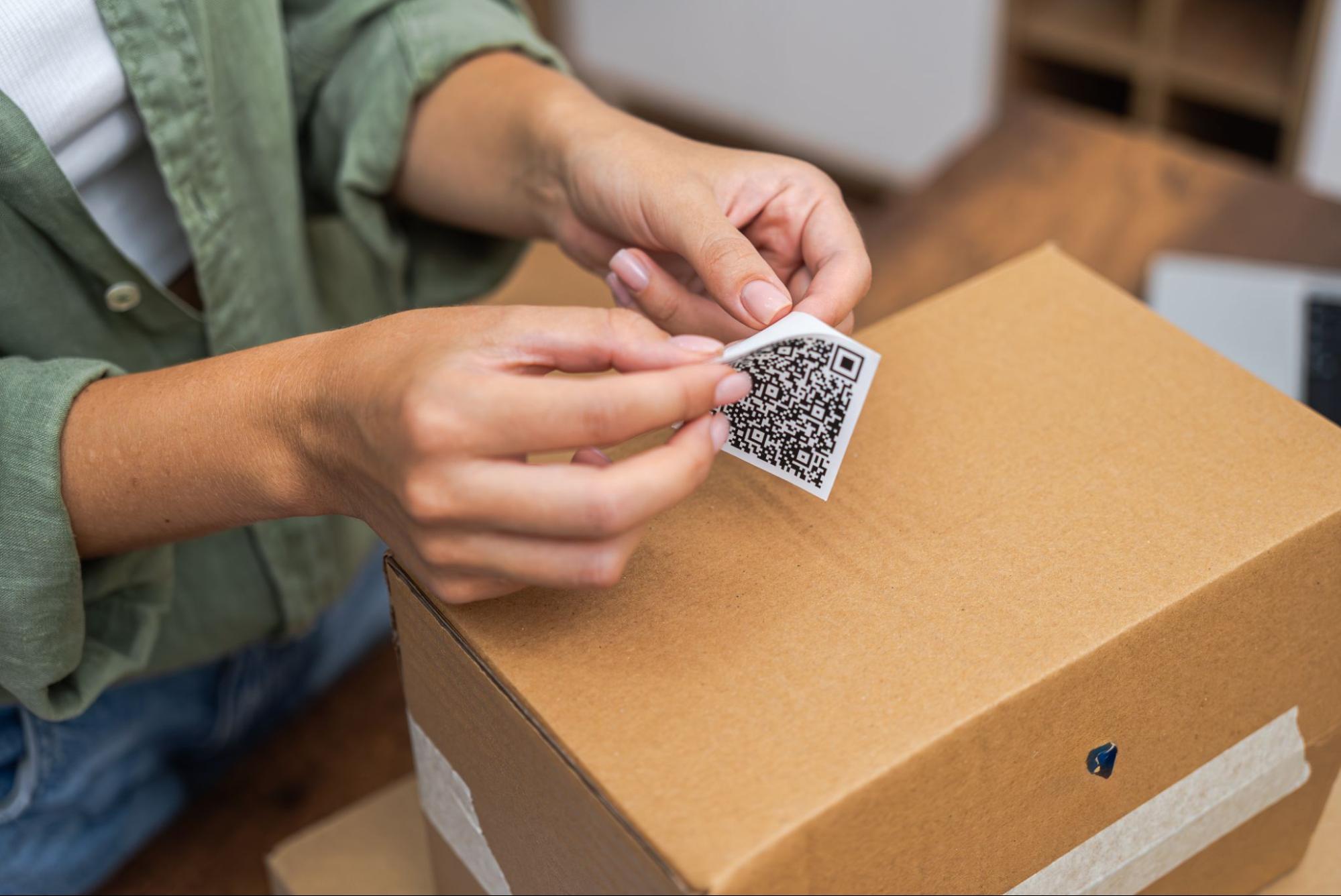
Sticker labels are more than just pieces of paper that stick to things. They’re essential tools for businesses that need correct pricing, well-organized inventory, and easy checkout. Sticker labels connect the product to the system, whether you’re labeling items, setting up shelves, or making sure barcodes can be read at the register. These signs are necessary in modern stores, especially ones with suitable POS hardware. They make daily tasks easier and help companies keep their branding consistent and professional.
Picking the Correct Labels for Stickers
Picking the correct type of sticker label is very important before you even print. Different types of businesses need various kinds of paper and printing tools.
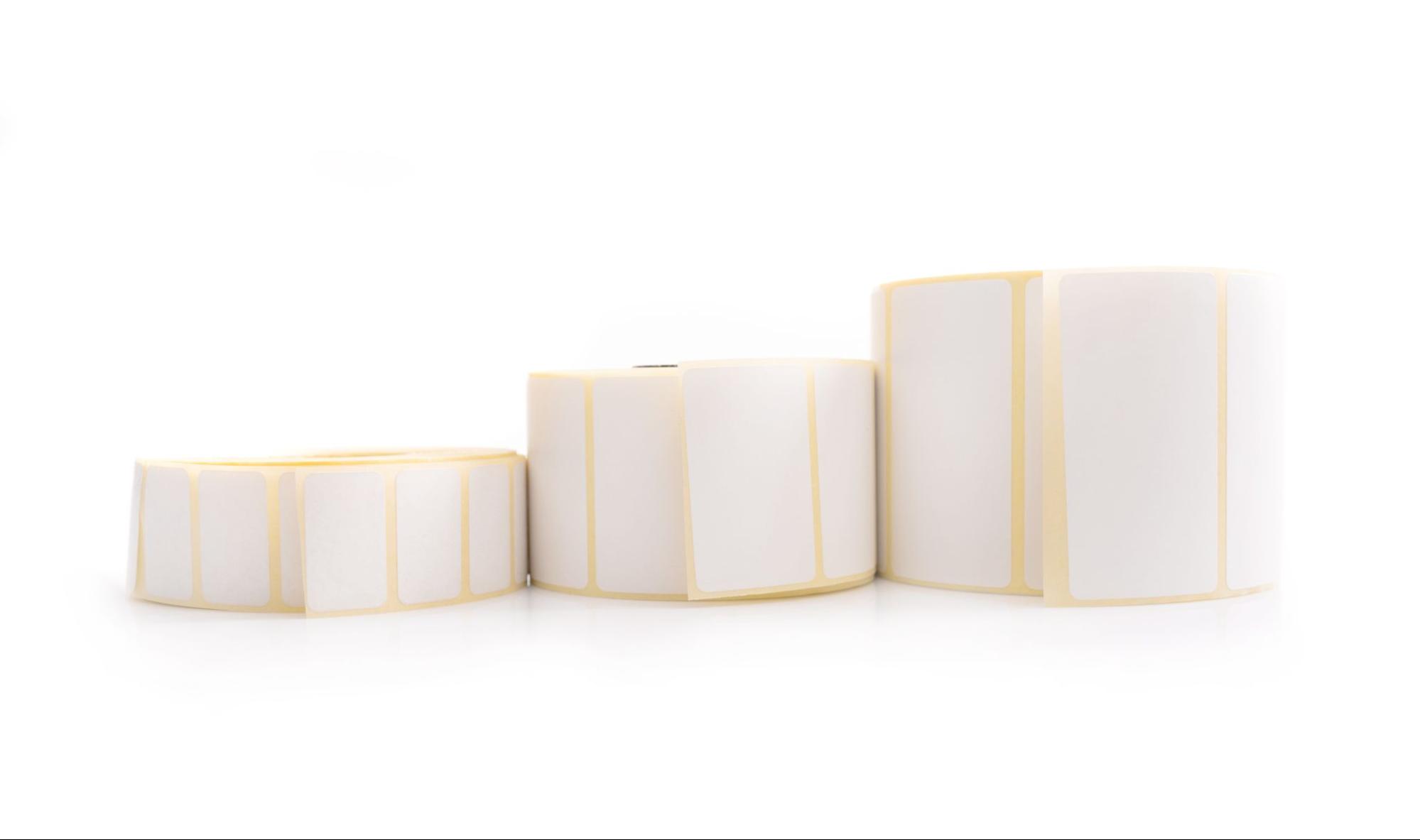
Direct Thermal Labels, which don’t need ink, are among the most popular types. Because they melt in the heat, they’re great for short-term uses like shipping or setting prices temporarily. Thermal Transfer Labels, on the other hand, use a ribbon and have longer pictures, so they are great for things that need to be durable or last a long time. Inkjet and Laser Printer Labels are the best way for companies to make a good impression with custom graphics or bright logos. They produce vivid results that improve visual branding.
Size and material are also significant. Barcodes and product tags usually come in standard sizes so that they work together and are easily read. Labels made of paper are cheap and commonly used. In contrast, labels made of plastic or waterproof material are better for places that get wet, like outdoors. Choosing the correct label is essential for any barcode-scanning POS system because it ensures the label stays in place and can be read.
How to Choose the Best Printer for Labels
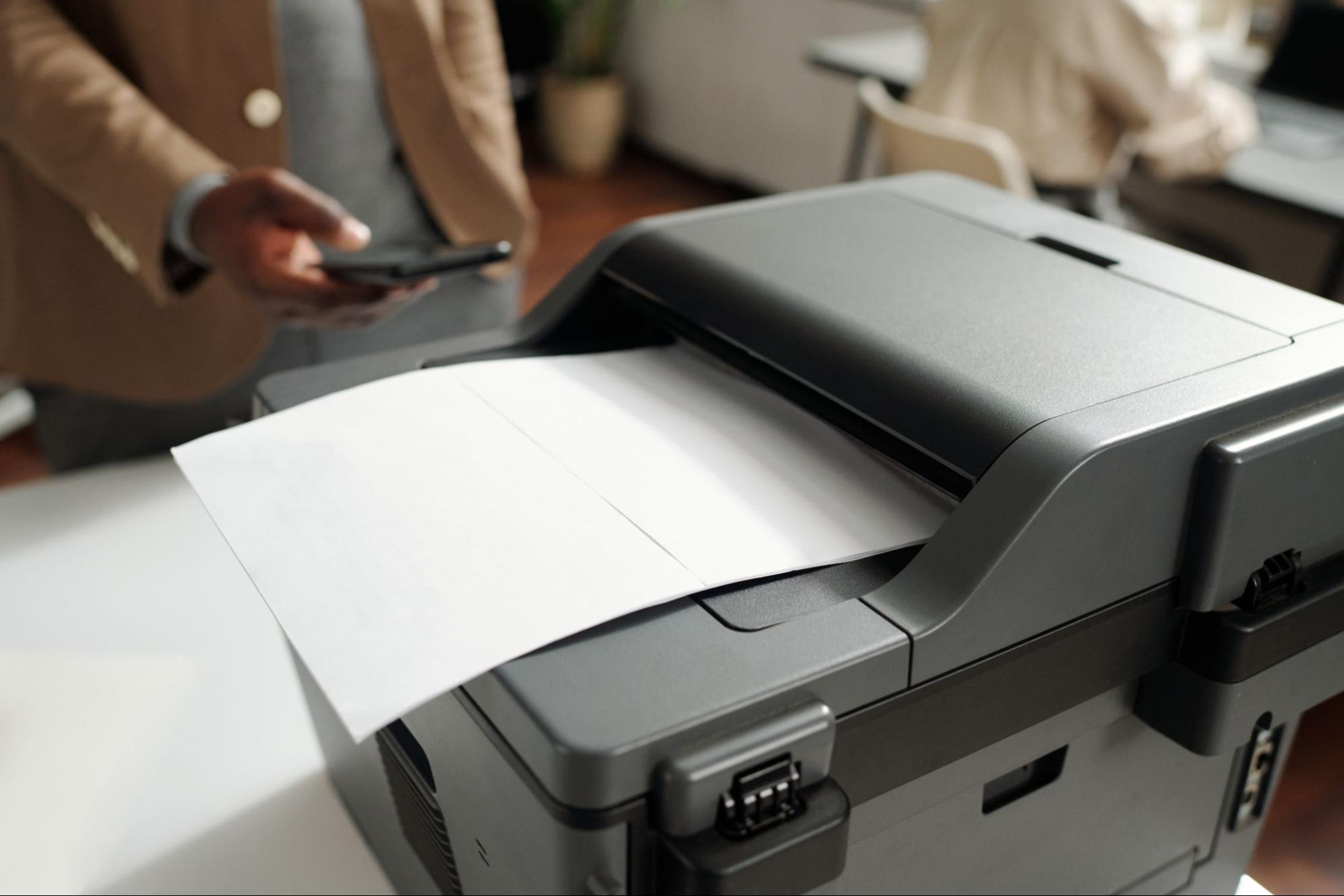
Now that you’ve picked out your labels, you must find the right printer. In stores, thermal label printers do most of the work. They work quickly and reliably, and writing barcodes and receipts is especially good with them, which makes them a favorite in POS settings.
Inkjet or laser printers are better for businesses that value custom design because they can print more colors and graphics. These printers are great for boutique shops and craft brands where the look of the labels is just as important as how well they work.
Wireless and Bluetooth printers are good options if you want a setup that works with your phone and other tech. They work efficiently with systems like the Cukcuk Cloud-Based POS System, so you can print labels on the go without using cords. This adaptability is invaluable for pop-up shops, kiosks, and setups with multiple stations.
How to Print Labels on Stickers
If you follow the proper steps, printing your labels should be easy.
First, you need to make your label. You can use label designs with point-of-sale software or third-party programs like Canva or Adobe Illustrator. Make sure that all of the essential parts of the label—barcodes, prices, and logos—fit perfectly within its dimensions so that there are no cut-offs or scanning mistakes.
Once the plan is complete, you should set up the printer. Make sure you load your label roll or sheets properly and change the settings on your printer so they work with the size and type of labels you’re using. After that, print a test page. This step is crucial because it helps you find problems with alignment or barcodes that can’t be read before you throw away a bunch of labels.
Print a lot of them once everything looks good. Bulk printing saves time and ensures that all labels are the same, whether for restocking stores, getting shipments ready, or labeling new items.
Common Problems and How to Fix Them
Things go wrong sometimes, even when everything is set up well. Prints that aren’t lined up right often need the printer’s alignment or feed settings changed. If barcodes or text are hard to read, you may need to replace your printer ribbon or toner. This could be because of a problem with the print quality.
Sometimes, stickers come off too quickly or don’t stick at all. Most of the time, this is caused by using the wrong label material on the surface. For instance, shiny or cold surfaces might need a different kind of glue to stay put.
In conclusion
Tags on stickers might not look like much, but they are essential for running a business. Every step, from picking the right type and printer to ensuring the design is clean and easy to read, improves speed and the customer experience. Label printing is an easy part of a more significant inventory and sales strategy for companies that use systems like the Cukcuk Cloud-Based POS System. And if your POS is strong, you can be sure that things will run smoothly even if things go wrong.
Now is the best time to improve your label skills. Print like a pro, and let your goods do the talking!
