

Picture a busy hardware store. Customers ask for specialty screws, power tools, or parts compatible with older models. Staff need to manage large shipments of lumber and heavy machinery while tracking inventory and warranty items.
Many generic POS systems struggle in these environments because they are not designed to handle the mix of high-volume products, complex inventory, and service operations that hardware stores require. Standard retail POS systems may have difficulty with serial number tracking, bin location management, or bulk sales pricing.
A hardware store POS system is designed to manage these challenges. It includes features such as robust inventory management, serial and warranty tracking, bulk pricing, flexible customer accounts, and integration with service or rental operations.
This article explore the unique challenges of hardware stores, key POS hardware and software features to consider, top vendors, local considerations for the Philippines, cost versus value, and guidance on selecting the right system for your store.
Unique Needs and Challenges of Hardware Stores
Hardware stores handle a wide variety of inventory, from tiny screws to large tools. Items often have different turnover rates. Many require serial number, lot, or warranty tracking to manage supplier claims and ensure customer satisfaction.
Inventory can be stored in multiple locations including shelves, bins, and outdoor yards, which makes bin and location tracking essential. Many items are sold in bulk, by weight, or per unit, so flexible pricing is necessary.
Payment methods are also diverse. Layaway plans, store accounts, and partial payments are common. Stores must handle returns and defective items carefully.
Some hardware stores offer additional services such as tool rentals, blade sharpening, or installations, which increases operational complexity. Seasonal fluctuations, supply delays, and heavy or bulky goods add logistical challenges for shipping and delivery.
A POS system for hardware stores must manage this mix of products, services, and customer expectations efficiently.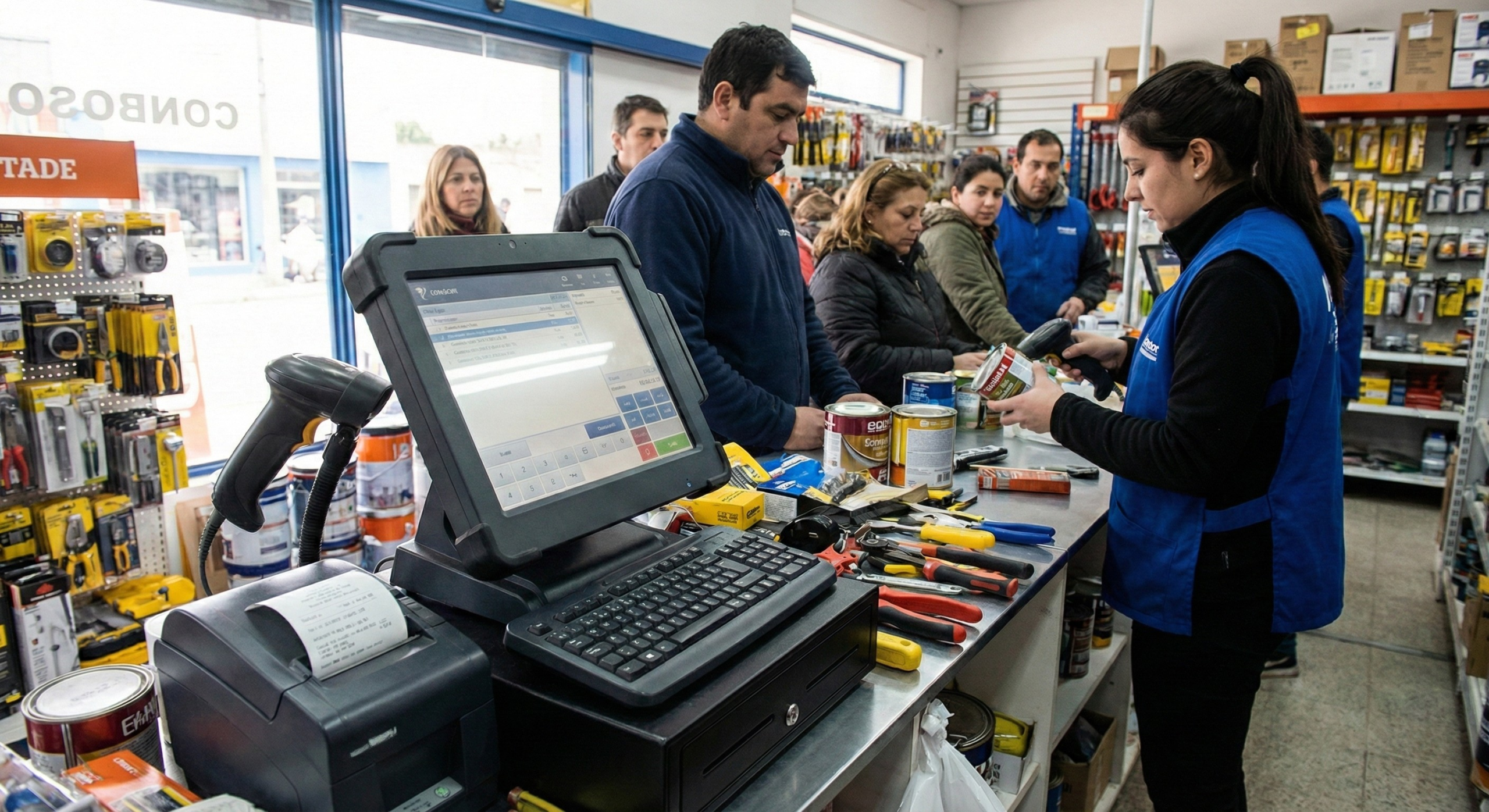
Key Features to Look for in a POS System for Hardware Stores
Robust Inventory Management
- Track thousands of SKUs and variants by size, brand, or material.
- Support bin and location tracking, including outdoor yard inventory.
- Automatic reorder alerts and purchase order generation.
Serial, Warranty and Part Number Tracking
- Track items by serial or lot numbers.
- Manage warranty periods and supplier claims efficiently.
Bulk, Weight and Measure Pricing
- Sell by piece, box, weight, or measurement, such as pipes or cables.
Payment Flexibility and Customer Accounts
- Support layaway, store credit, partial payments, and gift cards.
Integrated Services and Rentals
- Manage rental tracking, service fees, and maintenance schedules.
Reporting, Analytics and Supplier Management
- Generate reports on sales by SKU, demand forecasting, and supplier performance.
Ease of Use and Checkout Speed
- Quick lookup by part number, barcode scanning, and offline mode if internet is unreliable.
Hardware Compatibility and Durability
- Rugged scanners, printers, scales, and mobile POS for yard or delivery areas.
Multi-Location and Cloud Options
- Sync inventory and sales across multiple branches or yards.
Customer Management and Loyalty
- Track customer histories, service records, and loyalty programs.
eCommerce Integration
- Integrate online sales and local delivery while maintaining unified inventory.
Top Requirements For Hardware Store POS Systems to Consider
When you’re choosing a hardware store POS, the “best” ones usually share the same non-negotiable requirements: fast checkout, accurate inventory, and reliable operations during peak hours. Look for a system that supports barcode scanning, quick item lookup (even with similar SKUs like screws/bolts), and flexible pricing rules (bulk pricing, contractor rates, mix-and-match promos, and discounts). It should also handle returns/exchanges smoothly (including partial returns and no-receipt scenarios if your policy allows), plus multiple payment options like cash, cards, QR/e-wallets, and split payments—because hardware customers often combine transactions.
Next, the POS should be strong on inventory and purchasing, since hardware stores have thousands of items and a lot of small fast-moving stock. The top systems typically include real-time stock tracking, low-stock alerts, reorder points, supplier management, and purchase order workflows. Bonus if it supports variants and attributes (size, length, gauge, color, brand), serial/lot tracking for certain items, and multi-branch inventory if you have more than one location. Reporting is also a key requirement: you’ll want clear dashboards for best-sellers, slow movers, shrinkage, margins, and category performance so you can spot what to restock, what to bundle, and what to phase out.
Finally, hardware store POS systems should meet requirements for durability, scalability, and integrations. If you’re using POS terminals, cash drawers, receipt printers, and barcode scanners, the system should be compatible with common hardware and stable even when internet is spotty (offline mode is a big plus). It should also support user permissions, audit trails, and shift management to reduce losses and mistakes. And if you sell online or plan to, choose a POS that integrates with accounting, e-commerce, delivery/fulfillment, and CRM—to avoid double encoding and easier scaling as your store grows.
Local and Regional Considerations (Philippines)
A POS system in the Philippines should support local payment methods such as credit/debit cards, bank transfers, QR-based wallets, and mobile payments. Hardware availability, repair, and calibration support are critical for rugged POS systems and scales.
Internet reliability can be inconsistent, so offline-capable POS is recommended. Ensure tax compliance for VAT, invoicing, and receipts, and follow local regulations for warranties and consumer protection. Pricing in local currency and reliable after-sales support from local POS providers is essential.
Cost versus Value: What Hardware Stores Should Budget For
Upfront costs: POS terminals, barcode scanners, printers, scales, and rugged peripherals.
Software fees: Subscription or license per user or terminal.
Processing fees: Payment gateways and transaction charges.
Additional costs: Training, customization, integrations, maintenance, and hardware replacements.
The return on investment is significant. Hardware store POS systems help reduce stockouts, minimize inventory waste, speed up checkout, improve supplier management, and increase customer loyalty.
How to Choose the Right POS System for Your Hardware Store
- Assess store size, product mix, and services offered.
- Identify “must-have” features such as inventory, serial tracking, and checkout speed versus “nice-to-have” features.
- Test demos or free trials to evaluate inventory workflows and warranty tracking.
- Check hardware compatibility, durability, and offline support.
- Prioritize vendors with strong local support.
- Plan for future growth including multiple branches, online store integration, and additional services.
- Calculate total cost of ownership over several years, not just upfront expenses.
Future Trends for Hardware Store POS Systems
- AI and Automation: Forecast demand and optimize inventory replenishment.
- IoT and Smart Inventory: Auto-counting, weight sensors, and RFID tags.
- Omnichannel Integration: Unified online and offline stock management, mobile POS for yard or delivery sales.
- Enhanced Customer Engagement: Loyalty apps and service history tracking.
- Sustainability Tracking: Manage hazardous items, eco-packaging, and disposal monitoring.
Conclusion
The best POS systems for hardware stores matches your inventory complexity, customer service style, and growth plans. Look for robust inventory management, serial and warranty tracking, bulk pricing, payment flexibility, and service integration.
Test systems thoroughly, include staff feedback, and plan for long-term costs. Define your priorities and compare vendors carefully. Book a free demo with Condor POS Solutions today to streamline your hardware store operations and boost efficiency.
