

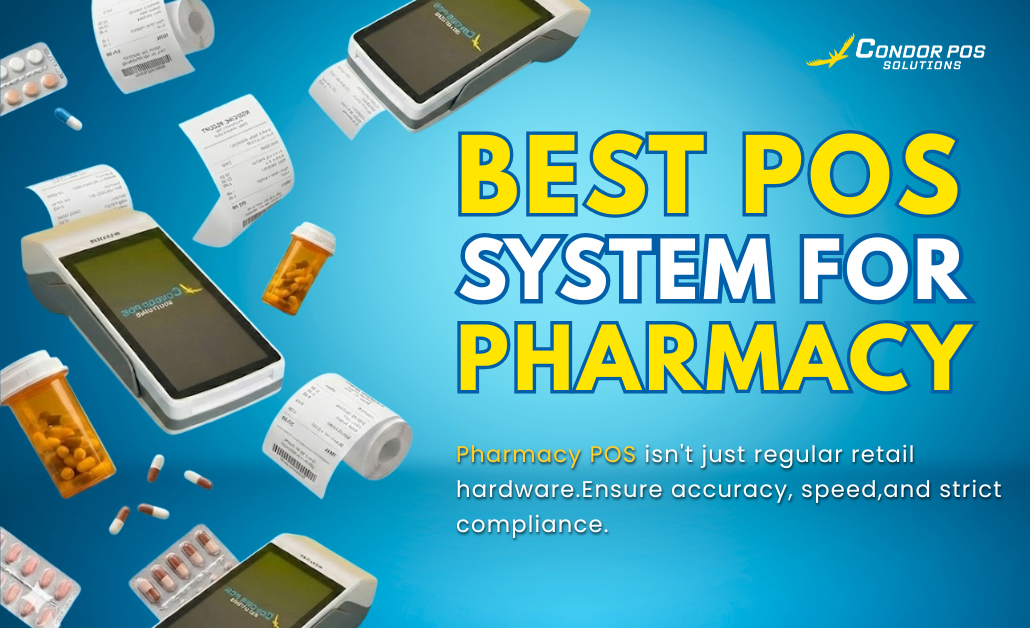

POS hardware in a pharmacy isn’t the same as a regular retail setup. Unlike grocery stores or boutiques, pharmacies handle sensitive products, prescription drugs, and strict compliance requirements. Every second counts—whether it’s processing insurance claims, tracking expiry dates, or printing prescription labels.
That’s why choosing the best POS system for pharmacy isn’t just about fast checkout—it’s about accuracy, compliance, and trust. This article will help you identify the best system for your pharmacy that streamlines operations, ensures compliance, and enhances customer service.
Why Pharmacies Need a Specialized POS System
Pharmacies operate under stricter regulations than typical retail businesses. A specialized POS system ensures:
- Management of both OTC (over-the-counter) and prescription products
- Tracking of regulated and restricted drugs
- Monitoring of expiry-sensitive inventory
- Integration with patient profiles, insurance systems, and e-prescriptions
- Secure employee access with full accountability
Must-Have Features in a Pharmacy POS System
3.1 Inventory and Expiry Tracking
- Real-time tracking of thousands of SKUs
- Expiry date and batch number management
- Alerts for low stock and soon-to-expire medications
- Automatic reorder and supplier management
3.2 Regulatory Compliance Tools
- Track controlled substances (FDA/local regulations)
- Generate audit-ready reports
- Tax compliance tools (VAT, pharma-specific tax rules)
- Prescription tracking and validation
3.3 Customer and Patient Profile Management
- Store customer history and prescriptions
- Link refills to patient records
- Prevent duplicate purchases or early refills
- Medication reminders or loyalty program integration
3.4 Insurance and Discount Integration
- Seamless integration with HMO and insurance systems
- Automated senior citizen and PWD discounts (localized compliance)
- Track government benefits where applicable
3.5 Barcode Scanning and Label Printing
- Faster checkout with barcode scanning
- Print labels for dosages, refills, or compliance
- Support for multilingual instructions
3.6 Employee Access and Security Controls
- Role-based logins for pharmacists, assistants, and cashiers
- Restrictions on sensitive drug access
- User activity tracking for accountability
3.7 Sales and Financial Reporting
- Sales reports by product, category, or supplier
- Profit margin and expense analysis
- Identify best-selling medications and prescriptions
Hardware Considerations
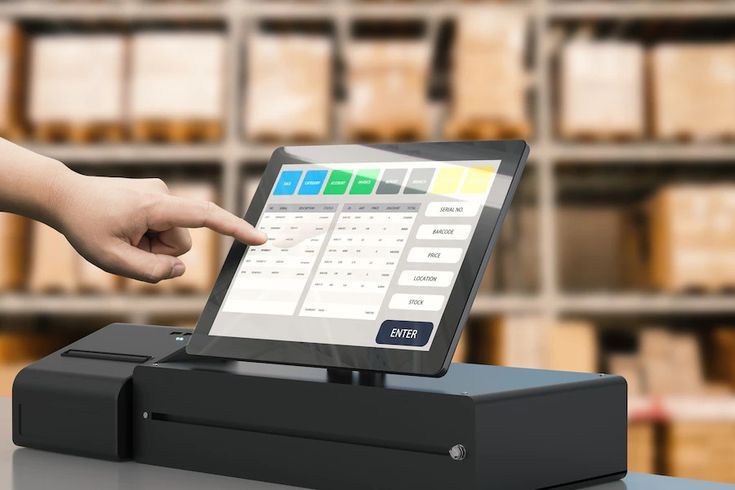
A pharmacy POS system works best with dedicated hardware, such as:
- POS terminal or tablet with integrated barcode scanner
- Receipt and label printers
- Cash drawer with employee shift tracking
- Optional customer display for transparency
Offline POS for Pharmacies
Here are two key reasons why offline (on-premise) POS can be better for pharmacies:
- No Internet Dependency—Pharmacies in areas with slow, unstable, or no internet can continue processing transactions, accessing records, and managing inventory without interruptions. This ensures smooth operations even during outages.
- Stronger Data Privacy Control—Sensitive prescription and patient data stay on the pharmacy’s local servers, giving owners full control over security, access, and compliance with strict data protection regulations.
Cost Considerations
Pharmacy POS pricing varies, but typical cost factors include:
- Software: Subscription or one-time license fees
- Hardware: Barcode scanners, printers, and POS terminals
- Add-ons: Insurance integration, CRM, or compliance modules
- Payment processing fees for cards and digital wallets
While upfront costs can be high, the ROI includes fewer errors, better compliance, and improved efficiency.
How to Choose the Right POS System for Your Pharmacy

When evaluating systems:
- Assess store size, prescription volume, and OTC range
- Prioritize compliance, inventory tracking, and patient record integration
- Check for integration with local healthcare platforms and insurance providers
- Test customer support and trial versions before committing
- Ensure scalability for multi-branch or clinic integration
Conclusion
The best pharmacy POS system goes beyond checkout speed—it enhances compliance, improves accuracy, and builds customer trust. From POS hardware to patient management and insurance integration, the right system helps pharmacies operate seamlessly while staying legally compliant.
Adopting a modern, reliable POS system is the key to long-term success for pharmacies aiming for growth and efficiency. Ready to take the next step? Book your free demo today and see firsthand how it can help you work smarter and faster.
